Twelve Minutes
Patrick taps Create Export Package. The system generates a reference number: TRV-HND2847-20260104-3f7a. State Farm wants ESX format, and the system already knows this from the carrier configuration.
He clicks Generate Files and watches the button change to Generating. After a few seconds, the page refreshes. The package now shows a Download button.
Patrick downloads the ZIP to his tablet, opens it to spot-check. The PDF cover sheet looks professional: claim number, policy number, the Hendersons' address, his license number, everything the adjuster needs at a glance. The ESX file is there too, ready for XactAnalysis.
He logs into State Farm's portal, uploads the ESX file, attaches the ZIP with supporting documents. Before the system, this used to take him an hour of hunting through folders, renaming files, building a manual checklist. Now it is twelve minutes from driveway to submission.
He marks the package Submitted in the portal and drives to his next job.
Summer Avenue, 9 AM
Cassie Kattawar does not swing hammers. She runs claims consulting out of a small office on Summer Avenue, helping contractors navigate the insurance maze. Her value is knowing what adjusters want before they ask for it.
She is reviewing the Morrison file. Water damage from a burst pipe, Allstate policy, contractor is a one-man operation named Davis Plumbing who is great at fixing pipes but terrible at paperwork.
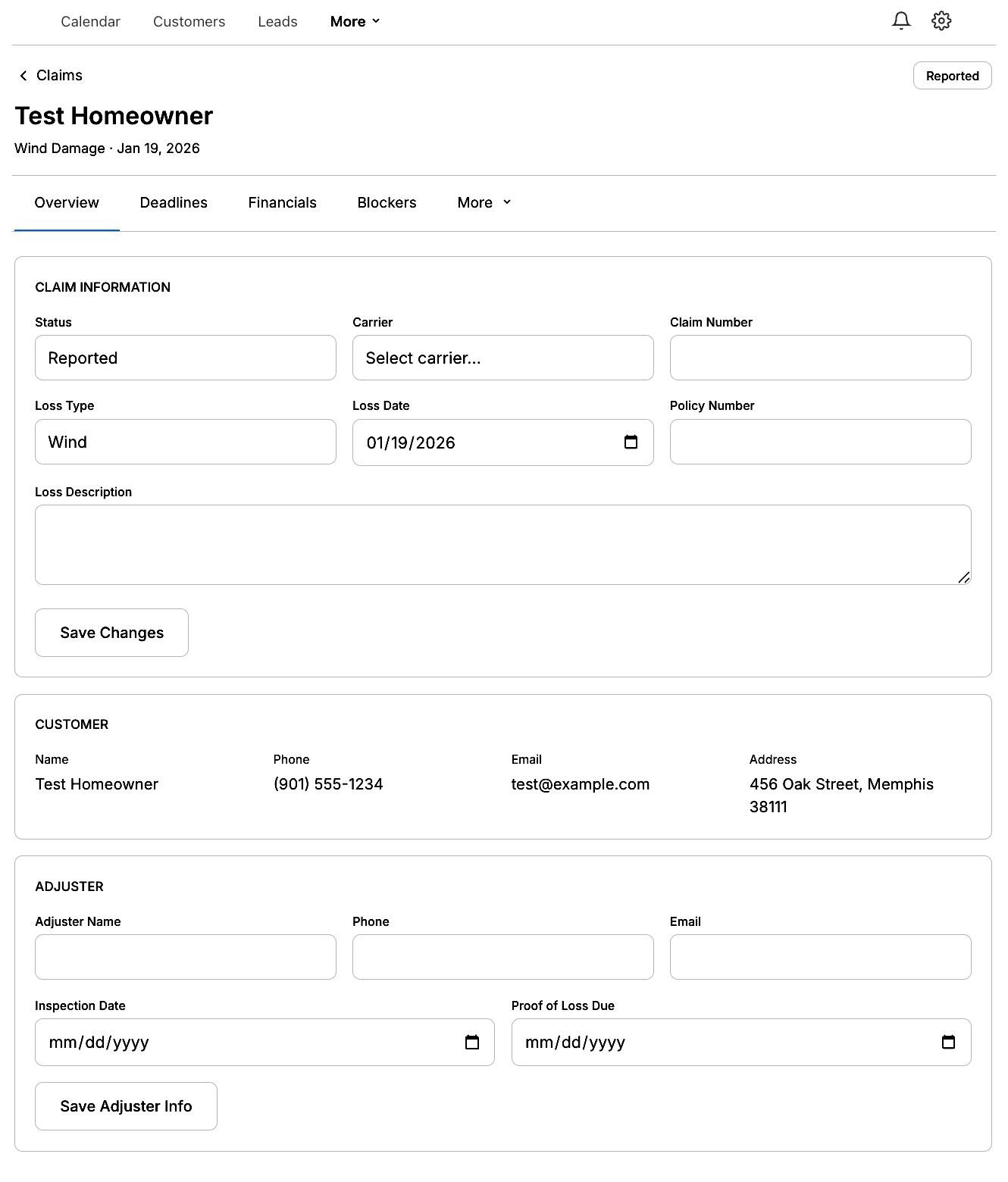
She pulls up the claim export page. Red dots everywhere.
Missing: adjuster estimate, proof of loss, inspection report. Davis uploaded blurry photos with no timestamps. The photo count shows 4 of 15 minimum.
The Phone Call
Cassie sighs and calls Davis.
I need you to go back to the Morrison house today. Take at least twelve more photos. Before you start demo, I need shots of the water line on the drywall, the buckled flooring, the mold behind the vanity. Get close-ups. Get wide shots. And turn on location services, Allstate is strict about GPS data.
Davis grumbles but agrees.
While she waits, Cassie works the administrative side. She downloads the adjuster's Xactimate estimate from Allstate's portal and uploads it to the claim. She scans the signed proof of loss Mrs. Morrison dropped off yesterday and uploads that too. She requests the inspection report from the city and makes a note to follow up tomorrow.
By 2 PM, Davis has uploaded fourteen photos. Cassie reviews each one, rejects two that are out of focus, and reclassifies three that Davis tagged wrong. He called them after photos when they are clearly before.
The checklist turns green.
The Complicated One
The Thornton claim is a mess, and everyone knows it.
Hail damage, roof and gutters, forty-seven thousand dollar estimate. USAA is the carrier, and they are thorough. The homeowner hired Marcus Webb, a GC who has been in the business twenty years but treats paperwork like a contagious disease. After two rejected submissions, Marcus swallowed his pride and called Cassie.
They meet at the Thornton property on a Tuesday morning, each pulling up the same claim in the portal from their own devices.
Walk me through what you submitted, Cassie says.
Marcus shows her the rejection notice. They said insufficient documentation of code upgrades. I do not even know what that means.
Eleven Hundred Dollars
Cassie pulls up the carrier document requirements. USAA has code upgrade documentation flagged as mandatory for any claim over twenty-five thousand. It is highlighted red on Marcus's checklist.
When you replaced the decking, did you have to go from seven-sixteenths to five-eighths OSB for code compliance?
Yeah, inspector required it.
Where is the documentation?
Marcus stares at her.
Cassie explains: USAA needs a letter from the building department stating the code requirement, your quote showing the upgrade cost, and photos of the new decking before shingles went on. Without that, they will deny the upgrade line item every time. That is eleven hundred dollars you are leaving on the table.
Twenty Minutes
They spend an hour reconstructing the paper trail. Marcus calls the building inspector's office and sweet-talks them into emailing a code compliance letter. Cassie digs through his phone and finds three photos of the bare decking from six weeks ago. Not tagged, not uploaded, just sitting in his camera roll.
She uploads each document to the claim, properly categorized. The checklist turns green.
Now, Cassie says, USAA requires Xactimate format. Your estimate was a Word document. That is why they rejected the first submission.
She pulls up the Xactimate code mappings in the system, shows Marcus how his line items translate. Roof tear-off becomes RFG TEAROFF. Synthetic underlayment becomes RFG FELT SYN. The system handles the conversion automatically when it generates the ESX file.
Marcus watches the export package generate. The ZIP file contains the ESX with proper Xactimate codes, the PDF summary, all his photos organized into folders, the code upgrade documentation in the documents folder.
How long did your first submission take you? Cassie asks.
Four hours. Maybe five.
And how long have we been here?
Marcus checks his phone. Hour and a half. But that is with you explaining everything.
Next time you will do it in twenty minutes.
Full Amount
She uploads the package to USAA's portal. Three days later, Marcus gets the approval notice. Full amount, including the code upgrade.
He sends Cassie her consulting fee and asks if she does training sessions.
3 AM
While Memphis sleeps, a cron job runs on the server.
The cleanup script checks the exports directory. The Henderson package from three weeks ago? Still within the thirty-day window, untouched. The Morrison package? Downloaded twice, kept. An orphaned ZIP from a test run last month? Deleted. Seven megabytes freed.
The system logs the results and goes quiet.
Tomorrow, Patrick has two more completions. Cassie has a new contractor calling about a denied claim. Marcus is reading through the carrier requirements document Cassie sent him, highlighting the parts he did not know existed.
The claims keep moving.